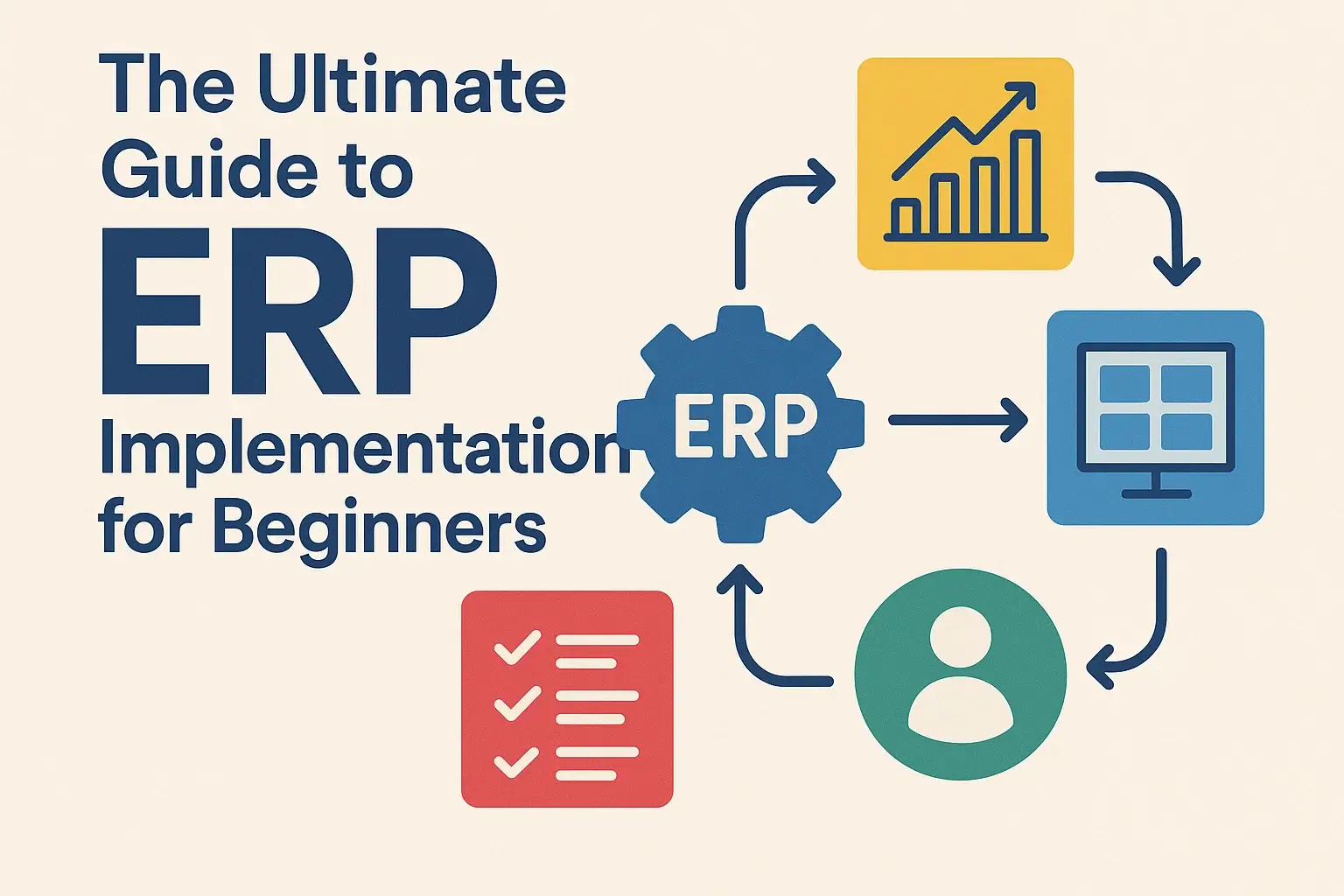
The Essential Small Business ERP Implementation Guide: Navigating Your Path to Growth
In today’s fast-paced business world, efficiency, data-driven decisions, and seamless operations are no longer luxuries reserved for large corporations. Small and medium-sized businesses (SMBs) are increasingly recognizing the transformative power of Enterprise Resource Planning (ERP) systems. An ERP system integrates various facets of your business—from finance and human resources to inventory, sales, and customer service—into a single, unified platform.
For small businesses, the thought of implementing an ERP system can seem daunting, akin to navigating a complex maze. Concerns about cost, complexity, disruption, and the sheer scale of the project often deter businesses that could benefit immensely. However, with the right approach and a clear understanding of the process, ERP implementation can be a smooth, successful journey that propels your small business to new heights of productivity and profitability.
This comprehensive guide is designed to demystify the ERP implementation process for small businesses, breaking it down into manageable stages and providing actionable insights to ensure your project’s success.
Why ERP for Your Small Business? The Unseen Advantages
Before diving into the "how," let’s briefly reiterate the "why." Small businesses often operate with disparate systems: spreadsheets for inventory, separate accounting software, CRM tools, and manual processes for many other functions. This fragmented approach leads to:
- Data Silos: Information is scattered, making it hard to get a holistic view of your business.
- Inefficiency: Manual data entry, duplicate efforts, and lack of automation waste time and resources.
- Errors: Manual processes are prone to human error, leading to costly mistakes.
- Lack of Visibility: Difficulty in tracking key performance indicators (KPIs) and making informed decisions.
- Limited Scalability: Fragmented systems hinder growth and make it difficult to adapt to increasing demands.
An ERP system addresses these challenges by:
- Streamlining Operations: Automating routine tasks and integrating workflows across departments.
- Providing Real-time Data: Offering a single source of truth for all business information.
- Enhancing Decision-Making: Empowering you with accurate, up-to-date insights.
- Improving Customer Satisfaction: Better inventory management, faster order processing, and improved service.
- Boosting Scalability: Providing a robust platform that can grow with your business.
- Reducing Costs: Optimizing inventory, minimizing waste, and improving operational efficiency.
For a small business, ERP isn’t just about efficiency; it’s about competitive advantage and future-proofing your operations.
Phase 1: Pre-Implementation – Laying the Foundation for Success
The success of your ERP project hinges on meticulous planning and preparation. This initial phase is arguably the most critical for small businesses, as it sets the direction and avoids costly missteps down the line.
1. Define Your Needs and Goals
This is not a "nice-to-have" step; it’s essential. Before even looking at software, understand why you need an ERP.
- Identify Pain Points: What problems are you trying to solve? (e.g., "We can’t track inventory accurately," "Our accounting process is too slow," "Sales and production are not aligned.")
- Set Clear, Measurable Goals (SMART Goals): What do you hope to achieve? (e.g., "Reduce order processing time by 20%," "Improve inventory accuracy to 98%," "Gain real-time visibility into cash flow.")
- Prioritize Modules: Which functions are most critical? (e.g., Financials, Inventory, CRM, Manufacturing, Project Management). Start with what you need most and plan for future expansion.
2. Assemble Your Core Team
Even for a small business, this shouldn’t be a solo effort.
- Executive Sponsor: A leader with authority and vision to champion the project and remove roadblocks. This is often the business owner or a senior manager.
- Project Manager: Someone to oversee the project day-to-day, manage timelines, resources, and communication. This might be an internal resource or a dedicated consultant from your chosen vendor/partner.
- Key Department Representatives: Individuals from each affected department (e.g., finance, sales, operations, warehouse) who understand their processes deeply and can provide input.
- IT Lead (Internal or External): To address technical requirements, data migration, and system integration.
3. Budgeting and Resource Allocation
Be realistic about costs. Beyond the software license, consider:
- Software Costs: Subscription fees (for cloud-based) or one-time license (for on-premise, less common for SMBs).
- Implementation Partner Fees: Consultants to help with setup, configuration, data migration, and training.
- Customization: If required (try to minimize this for SMBs).
- Hardware: If choosing an on-premise solution (again, less common for SMBs).
- Data Migration: Time and potential tools for cleaning and moving your existing data.
- Training: Essential for user adoption.
- Ongoing Support & Maintenance: Post-implementation support from the vendor/partner.
- Contingency Fund: Always budget an additional 15-20% for unforeseen issues.
4. Vendor Research and Selection
This is a critical decision. For small businesses, focus on cloud-based ERP solutions (SaaS) as they offer lower upfront costs, easier maintenance, and scalability.
- Look for SMB-Specific Solutions: Examples include NetSuite, Acumatica, Odoo, SAP Business One, Microsoft Dynamics 365 Business Central, Sage Intacct, and various industry-specific ERPs.
- Cloud vs. On-Premise: Cloud is almost always the better choice for SMBs due to lower TCO, easier updates, and accessibility.
- Industry Fit: Does the software cater to your industry’s specific needs?
- Scalability: Can the system grow with your business?
- User-Friendliness: Small businesses often have limited IT staff; an intuitive interface is key.
- Integration Capabilities: Can it easily integrate with other tools you already use (e.g., e-commerce platforms, payment gateways)?
- Vendor Reputation and Support: Research reviews, ask for references, and assess their customer support.
- Implementation Partner: Often, the partner (not just the software vendor) makes or breaks the project. Choose one with SMB experience and a proven track record.
Request for Proposal (RFP): Even a simplified RFP can help clarify your needs and allow vendors to propose solutions tailored to your business. Schedule demos, ideally with your own data, to see the system in action.
Phase 2: Implementation – The Journey Begins
Once you’ve selected your ERP system and partner, it’s time to roll up your sleeves and begin the actual implementation.
1. Project Planning & Kick-off
- Detailed Project Plan: Work with your implementation partner to create a comprehensive plan outlining tasks, timelines, responsibilities, and milestones.
- Kick-off Meeting: Gather the entire project team to align on goals, expectations, and communication protocols. Foster enthusiasm and commitment.
2. Data Migration
This is often cited as one of the most challenging aspects.
- Data Cleansing: Before migrating, clean up your existing data. Remove duplicates, correct errors, and ensure consistency. "Garbage in, garbage out" applies perfectly here.
- Data Mapping: Determine how data from your old systems will map to the new ERP fields.
- Migration Strategy: Decide on a phased approach or a "big bang" migration. For small businesses, a phased approach can sometimes reduce risk.
- Testing: Thoroughly test migrated data to ensure accuracy and integrity.
3. Configuration & Customization
- Configure Standard Features First: Leverage the out-of-the-box functionalities as much as possible. ERP systems are designed with best practices in mind.
- Minimize Customization: Customizations are expensive, difficult to maintain, and can complicate future upgrades. Only customize if absolutely necessary for a core business process that provides a competitive advantage.
- Process Mapping: Use this opportunity to review and optimize your current business processes. Don’t just automate inefficient processes; improve them first.
4. Testing, Testing, Testing!
Don’t underestimate the importance of testing.
- Unit Testing: Test individual components and functionalities.
- Integration Testing: Ensure different modules (e.g., sales and inventory) communicate correctly.
- User Acceptance Testing (UAT): This is crucial. Key users from each department must test the system using real-world scenarios relevant to their daily tasks. They need to confirm that the system meets their requirements and works as expected. This also builds ownership.
5. Training and Change Management
Technology is only as good as the people using it.
- Comprehensive Training: Provide hands-on training for all end-users. Tailor training to different roles and levels of interaction with the system.
- Super Users: Identify and train "super users" within each department who can assist their colleagues and serve as internal champions.
- Change Management Strategy: Address potential resistance to change proactively. Communicate the "why" behind the ERP, highlight the benefits for individual users, and solicit feedback. Provide ongoing support.
6. Go-Live Preparation
- Final Checks: Ensure all configurations are complete, data migration is finalized, and backups are in place.
- Cutover Plan: A detailed plan for the exact moment you switch from old systems to the new ERP.
- Contingency Plan: What if something goes wrong? Have a rollback strategy or alternative procedures.
Phase 3: Go-Live & Post-Implementation – The New Reality
The go-live date is not the finish line; it’s the starting line of a new, more efficient way of operating.
1. Go-Live and Hypercare
- Execute Cutover: Follow your plan to switch to the new system.
- Hypercare Period: Immediately after go-live, dedicate extra support resources (from your internal team and implementation partner) to address user questions, troubleshoot issues, and provide immediate assistance. Expect some bumps in the road; it’s normal.
- Monitor Performance: Closely monitor system performance and data accuracy.
2. Monitoring & Optimization
- Measure Against Goals: Regularly review whether the ERP is helping you achieve the goals set in Phase 1. Track KPIs.
- Identify Bottlenecks: Look for areas where processes are still slow or inefficient and work with your partner to optimize configurations or provide additional training.
- Gather Feedback: Continuously solicit feedback from users to identify areas for improvement.
3. Ongoing Support & Maintenance
- System Administration: Designate internal personnel to manage the ERP system post-implementation (user accounts, basic configurations, reporting).
- Vendor Support: Understand your support contract with the ERP vendor or implementation partner.
- Regular Updates: For cloud ERPs, updates are typically managed by the vendor. Ensure your team understands new features and how they might benefit your business.
4. Continuous Improvement
An ERP system is a living platform.
- Leverage New Features: Explore new functionalities and modules as your business evolves.
- Adapt Processes: As your business grows, revisit and refine your processes within the ERP.
- Advanced Reporting & Analytics: Dive deeper into the data to uncover insights and drive strategic decisions.
Common Challenges for Small Businesses and How to Overcome Them
- Lack of Resources (Time, Money, People):
- Overcome: Realistic budgeting, choosing cloud-based SMB-specific ERPs, leveraging an experienced implementation partner, focusing on critical modules first, and managing internal project time effectively.
- Resistance to Change:
- Overcome: Strong executive sponsorship, transparent communication, involving users early, comprehensive training, and highlighting personal benefits.
- Data Quality Issues:
- Overcome: Prioritize data cleansing before migration, dedicate resources to this task, and implement ongoing data governance.
- Scope Creep:
- Overcome: Clearly define project scope in Phase 1, establish strict change management procedures, and stick to the "must-haves" initially.
- Insufficient Training:
- Overcome: Budget adequately for training, make it hands-on and role-specific, provide ongoing support, and identify internal super users.
- Poor Vendor/Partner Selection:
- Overcome: Thorough due diligence, checking references, ensuring cultural fit, and clear contract negotiation.
Key Success Factors for Small Business ERP Implementation
- Strong Leadership Commitment: The business owner or executive sponsor must champion the project.
- Clear Vision and Goals: Understand why you’re implementing ERP and what success looks like.
- Dedicated Project Team: Even if small, assign clear roles and responsibilities.
- Thorough Planning: Don’t rush Phase 1.
- Effective Change Management: Prepare your team for the transition.
- Realistic Expectations: Expect challenges, but focus on the long-term benefits.
- Focus on Data Quality: Clean data is paramount.
- Minimize Customization: Leverage standard features.
- Comprehensive Training: Empower your users.
- Choose the Right Partner: A good implementation partner is invaluable for SMBs.
Conclusion
Implementing an ERP system is a significant undertaking for any small business, but it’s an investment that can yield tremendous returns. By approaching the process with careful planning, clear communication, and a focus on your business’s unique needs, you can transform your operations, enhance efficiency, and lay a robust foundation for sustainable growth. Don’t view ERP as just a technology project; see it as a strategic business initiative that will redefine how your small business operates and competes in the modern economy. With this guide, you now have a roadmap to navigate your ERP implementation journey with confidence.