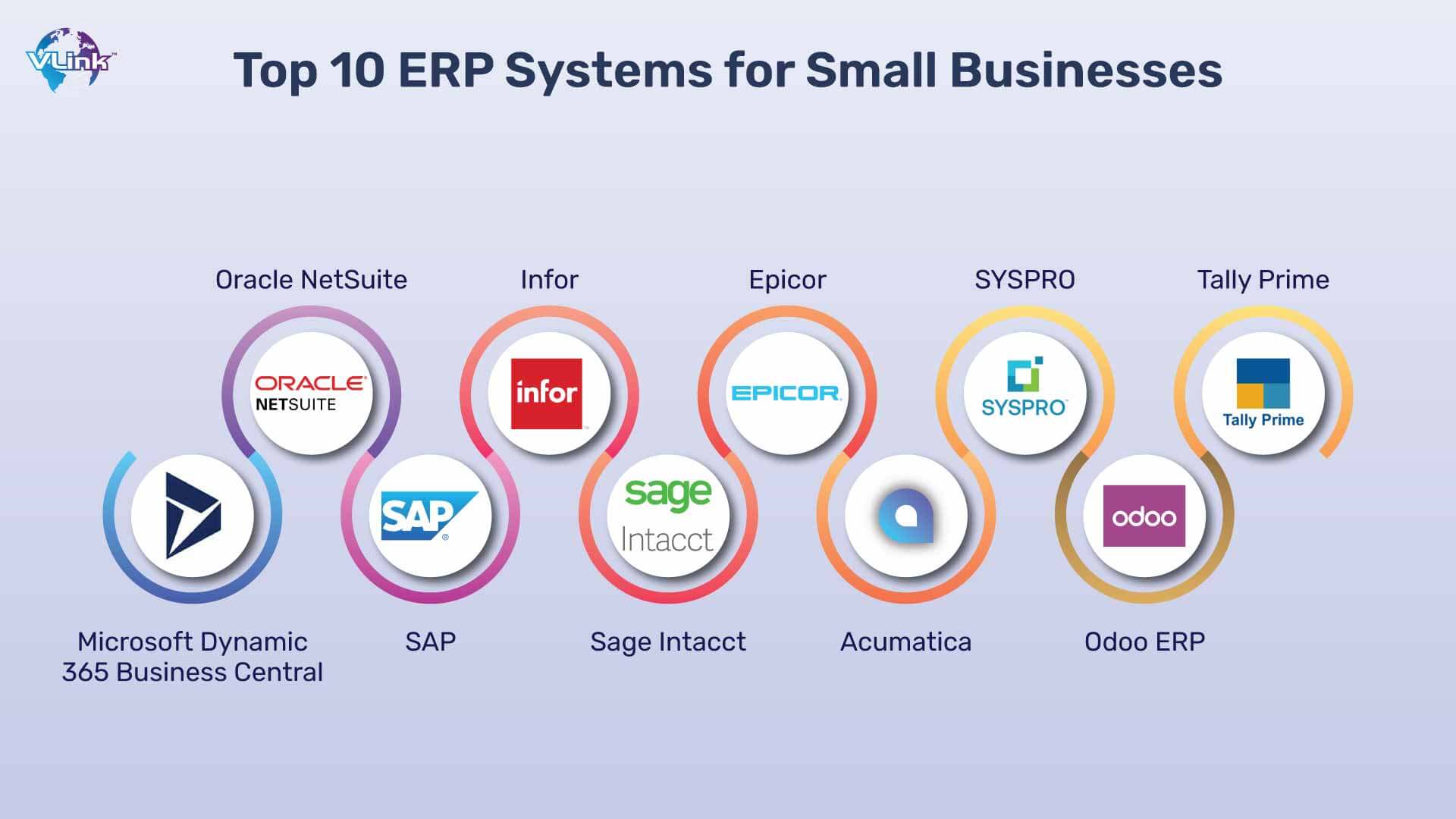
Unlocking Growth: The Best ERP Software Solutions for Small Businesses
In today’s fast-paced business landscape, small businesses are constantly striving for efficiency, scalability, and a competitive edge. While traditionally associated with large enterprises, Enterprise Resource Planning (ERP) software has emerged as a transformative tool for small and medium-sized businesses (SMBs). No longer a luxury, an ERP system can be the backbone that supports growth, streamlines operations, and provides the critical insights needed to thrive.
This comprehensive guide will delve into what ERP means for small businesses, why it’s becoming indispensable, the key features to look for, and a detailed look at some of the best ERP software solutions available today.
What is ERP and Why Small Businesses Need It?
At its core, ERP is a suite of integrated software applications that manage and automate core business processes across various departments. Instead of using disparate systems for accounting, inventory, sales, customer relationship management (CRM), and HR, an ERP system brings all these functions under one roof, sharing a single, centralized database.
For small businesses, this integration is a game-changer. Imagine a scenario where your sales team enters an order, and that information instantly updates inventory levels, triggers an invoice in accounting, and schedules a delivery – all without manual data entry between systems. This is the power of ERP.
Here’s why small businesses, in particular, stand to benefit immensely from adopting an ERP system:
- Operational Efficiency: ERP automates repetitive tasks, reduces manual data entry, and streamlines workflows, freeing up valuable time and resources for strategic initiatives.
- Centralized Data and Single Source of Truth: All business data resides in one place, eliminating data silos and ensuring everyone works with the most current and accurate information. This drastically reduces errors and inconsistencies.
- Improved Decision-Making: With real-time data and robust reporting tools, business owners gain deeper insights into every aspect of their operations, enabling more informed and proactive decision-making.
- Enhanced Customer Satisfaction: Streamlined order processing, accurate inventory management, and better communication tools lead to faster fulfillment and improved customer service.
- Scalability and Growth Support: A well-chosen ERP system can grow with your business, easily accommodating increased transaction volumes, new product lines, or additional employees without requiring a complete system overhaul.
- Cost Reduction (Long-Term): While there’s an initial investment, ERP can lead to significant long-term savings by reducing operational costs, minimizing errors, optimizing inventory, and improving productivity.
- Better Compliance and Reporting: ERP systems often come with built-in features that help meet regulatory compliance requirements and simplify financial reporting.
- Competitive Advantage: By operating more efficiently and having better insights, small businesses can respond faster to market changes, innovate, and outmaneuver competitors.
Key Features to Look For in an SMB ERP
Not all ERPs are created equal, especially when catering to the specific needs and budget constraints of small businesses. When evaluating solutions, look for the following essential features:
- Financial Management: This is the bedrock of any ERP. It should include General Ledger, Accounts Payable, Accounts Receivable, Fixed Assets, Budgeting, and robust reporting capabilities.
- Customer Relationship Management (CRM): Tools to manage customer interactions, sales leads, opportunities, and customer service.
- Inventory Management: Track inventory levels, manage stock locations, handle purchasing, and optimize supply chain processes to avoid stockouts or overstocking.
- Sales and Order Management: Streamline the entire sales cycle from order entry to invoicing and fulfillment.
- Purchasing: Automate procurement processes, manage vendor relationships, and track purchase orders.
- Reporting and Analytics: Customizable dashboards and powerful reporting tools to visualize key performance indicators (KPIs) and generate actionable insights.
- Integration Capabilities: The ability to seamlessly connect with other essential tools your business uses (e.g., e-commerce platforms, payment gateways, shipping carriers).
- Cloud-Based (SaaS): For small businesses, cloud-based ERP (Software as a Service) is almost always the preferred choice. It reduces IT infrastructure costs, offers remote accessibility, and ensures automatic updates and maintenance.
- User-Friendliness: An intuitive interface and ease of use are crucial for quick adoption and minimal training time for your team.
- Scalability: The system should be able to handle increased data, users, and functionalities as your business grows without performance degradation.
- Customization Options: While out-of-the-box functionality is good, the ability to tailor the system to your specific business processes is vital.
- Mobile Access: The flexibility to access critical data and perform tasks from anywhere, on any device.
Top ERP Software Solutions for Small Businesses
The market offers a diverse range of ERP solutions, each with its strengths and target audience. Here’s a look at some of the best options suitable for small businesses:
1. Oracle NetSuite (NetSuite ERP)
Often considered a leader in cloud ERP, NetSuite offers a comprehensive suite of applications for financials, CRM, e-commerce, and professional services automation. While it can scale to large enterprises, NetSuite has a strong offering for growing SMBs, particularly those with complex needs or aspirations for rapid expansion.
- Strengths: Highly scalable, comprehensive feature set, strong reporting and analytics, robust for multiple currencies and subsidiaries, excellent for e-commerce and SaaS businesses.
- Considerations: Can be more expensive than other options, implementation can be complex and time-consuming, requires dedicated resources for optimal utilization.
- Best for: Growing small businesses with complex needs, e-commerce operations, professional services, and those planning significant scaling.
2. SAP Business One
SAP Business One is a well-established ERP solution specifically designed for small and midsize businesses. It provides an affordable way to manage financials, CRM, purchasing, inventory, manufacturing, and project management. Available both on-premise and in the cloud.
- Strengths: Comprehensive functionality, strong financial and inventory management, good industry-specific add-ons, global presence and support.
- Considerations: User interface can feel dated compared to newer cloud-native solutions, can require significant customization for unique workflows, potentially higher learning curve.
- Best for: Small to mid-sized manufacturing, wholesale distribution, and retail businesses looking for a robust, proven solution.
3. Microsoft Dynamics 365 Business Central
Part of the larger Microsoft Dynamics 365 ecosystem, Business Central is a powerful cloud ERP solution tailored for SMBs. It integrates seamlessly with other Microsoft products like Office 365 and Power BI, making it a natural fit for businesses already invested in the Microsoft stack. It covers financials, sales, service, project management, and supply chain.
- Strengths: Excellent integration with Microsoft products, familiar interface for Microsoft users, flexible deployment (cloud or hybrid), good reporting capabilities, strong partner ecosystem.
- Considerations: Can be overwhelming initially due to feature depth, customization might require developer assistance, pricing can add up with multiple modules and users.
- Best for: Small businesses already using Microsoft products, those in professional services, distribution, or light manufacturing seeking a flexible cloud solution.
4. Acumatica Cloud ERP
Acumatica is a modern, flexible cloud ERP platform known for its unique pricing model (based on resources used, not users) and robust customization capabilities. It caters well to growing SMBs across various industries, including distribution, manufacturing, retail-commerce, and services.
- Strengths: Highly customizable, flexible deployment (public cloud, private cloud, on-premise), excellent mobile capabilities, strong financial management, user-friendly interface.
- Considerations: Can be more expensive for businesses with high transaction volumes, requires a good implementation partner, not as widely recognized as SAP or Microsoft.
- Best for: Fast-growing small businesses needing high customization, distribution, manufacturing, and project-centric businesses that value flexibility.
5. Sage Intacct
Sage Intacct focuses primarily on financial management, offering best-in-class accounting software that can be extended with other modules through integrations. It’s particularly strong for service-based businesses, non-profits, and companies needing robust multi-entity and multi-currency capabilities.
- Strengths: Exceptional financial management and reporting, strong for multi-entity businesses, highly scalable accounting, good integration marketplace, great for non-profits.
- Considerations: Not a full "all-in-one" ERP out-of-the-box (relies on integrations for non-financial modules like inventory or manufacturing), can be more complex for very small businesses.
- Best for: Service-based small businesses, non-profits, multi-entity organizations, and those prioritizing deep financial insights.
6. Odoo
Odoo is a unique open-source ERP solution that offers a vast array of modules, from CRM and accounting to manufacturing and project management. It’s available as a cloud service (Odoo Online) or can be self-hosted. Its modular nature allows businesses to start small and add functionality as needed.
- Strengths: Highly modular and flexible, cost-effective for basic functionality, open-source community support, wide range of apps available, customizable.
- Considerations: Customization and advanced configurations often require technical expertise or a partner, performance can vary with self-hosting, support can be inconsistent for the free/community version.
- Best for: Small businesses looking for a highly customizable and scalable open-source solution, especially those with in-house technical capabilities or a strong partner.
7. Zoho One
While not a traditional single-system ERP, Zoho One is an integrated suite of over 40 business applications that effectively functions as an ERP for many small businesses. It includes CRM, finance (Zoho Books), project management, HR, marketing, and more, all under a unified login and data model.
- Strengths: Extremely cost-effective for the breadth of features, excellent integration between Zoho apps, user-friendly interface, comprehensive suite for various business needs.
- Considerations: Not a single monolithic ERP, which might not suit businesses preferring a single, deeply integrated core system; some individual apps may lack the depth of dedicated best-of-breed solutions.
- Best for: Very small businesses, startups, and those looking for an affordable, all-in-one suite that covers most operational needs without the complexity of traditional ERPs.
Factors to Consider When Choosing an ERP
Selecting the right ERP is a critical decision. Here are key factors to weigh:
- Budget (Total Cost of Ownership – TCO): Look beyond initial licensing fees. Consider implementation costs, training, customization, ongoing maintenance, and potential integration expenses. Cloud ERPs generally have lower upfront costs but recurring subscription fees.
- Industry-Specific Needs: Does the ERP have features or add-ons specific to your industry (e.g., batch tracking for food, project costing for construction)?
- Scalability: Can the system grow with your business over the next 5-10 years? Will it handle increased users, transactions, and data volume?
- Ease of Use and Training: An intuitive interface leads to faster adoption and less resistance from employees. Factor in the cost and time for training.
- Implementation and Support: Evaluate the vendor’s or partner’s implementation process, their support reputation, and the availability of documentation and training resources.
- Integration Capabilities: Ensure the ERP can seamlessly connect with your existing critical business tools (e.g., e-commerce platform, shipping software).
- Cloud vs. On-Premise: For small businesses, cloud (SaaS) is almost always recommended due to lower IT overhead, automatic updates, and remote accessibility.
- Vendor Reputation and Ecosystem: Research the vendor’s stability, roadmap, and the strength of their partner network for implementation and ongoing support.
The ERP Implementation Journey for Small Businesses
Implementing an ERP is a project, not just a software installation. While less complex for SMBs than large enterprises, it still requires careful planning and commitment.
- Planning and Requirements Gathering: Clearly define your business goals, pain points, and specific requirements. This is the most crucial step.
- Vendor Selection: Based on your requirements, evaluate and select the best ERP solution and implementation partner.
- Data Migration: Plan how to transfer existing data (customer lists, inventory, financial records) from old systems to the new ERP. This can be time-consuming.
- Configuration and Customization: Tailor the ERP to match your specific business processes. Minimize customization where possible to ease upgrades.
- Testing: Thoroughly test all functionalities, integrations, and workflows to ensure everything works as expected.
- Training: Provide comprehensive training for all users to ensure they are comfortable and proficient with the new system.
- Go-Live and Post-Implementation Support: Launch the new system and ensure ongoing support to address any issues that arise.
Conclusion
For small businesses eyeing sustainable growth, an ERP system is no longer an optional luxury but a strategic necessity. It provides the integrated data, automated processes, and real-time insights required to navigate complexities, enhance efficiency, and make smarter decisions. While the initial investment and implementation require careful planning, the long-term benefits of improved productivity, reduced costs, and enhanced customer satisfaction far outweigh the challenges.
By understanding your unique business needs, carefully evaluating the features and capabilities of leading solutions like NetSuite, SAP Business One, Microsoft Dynamics 365 Business Central, Acumatica, Sage Intacct, Odoo, or Zoho One, and approaching implementation strategically, small businesses can unlock their full potential and build a robust foundation for future success. The right ERP isn’t just software; it’s a pathway to smarter, more efficient, and more profitable operations.